
View results
Display the freeze time and the temperature distribution on the plastic part and mold to locate regions where you can improve the cooling and optimize the cooling time.
-
Rotate your model using the model manipulation tools to inspect the freeze time
distribution on your plastic part.
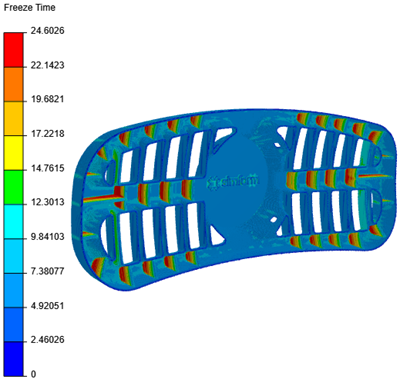
-
In the Results panel, turn on the
Channels toggle to display the channel
locations.
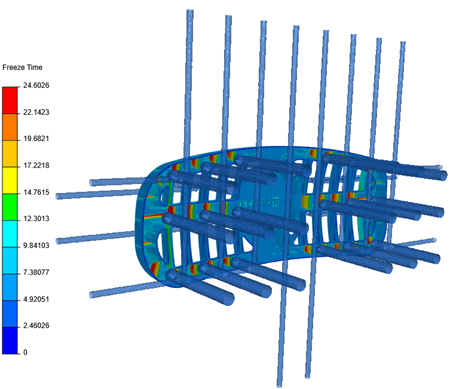
-
In the job panel, click Solver Info
 to open the Channel Summary
window.
Inspect the channels flow rates.
to open the Channel Summary
window.
Inspect the channels flow rates.
You have completed this tutorial. You can select another tutorial from the list on the left.