Create a job
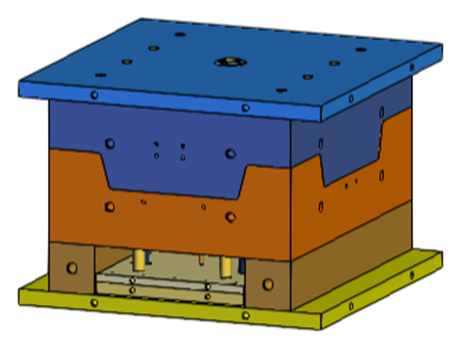
Create a job and upload the ATV grill mold design.
-
Click Add to create a new job.
Note:
Do not refresh the page until all CAD parts are fully loaded as it interrupts the process and prevents the model from loading.
The display window shows the mold design you uploaded.