
Use the recommendation results
Create a channel assessment job using the recommended zones to place cooling channels in your design.
-
From the Jobs panel, click add
 to open the Add a New Job window.
-
Click Add to create the assessment job.
Note:
Do not refresh the page until all CAD parts are fully loaded as it interrupts the process and prevents the model from loading.
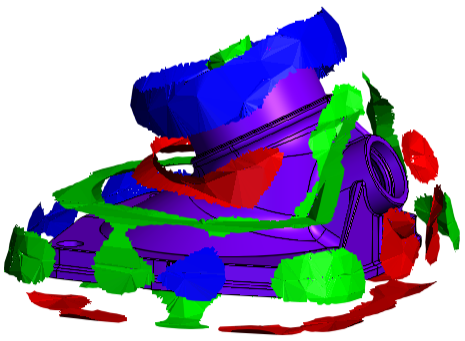
You can use the recommendation results to create cooling layouts:
- Directly in SimForm and run a basic mold analysis to evaluate their thermal performance.
- In your CAD software and upload them into the channel assessment job to evaluate their performance.
You have completed this tutorial. You can select another tutorial from the list on the left.