
Define the basic mold
Define the size and mold material of the basic mold. The SimForm solver considers the effect of the mold size and material properties on part quality and cooling time estimations.
-
Enable the Use Basic Mold mode.

SimForm generates a rectangular mold around your plastic part.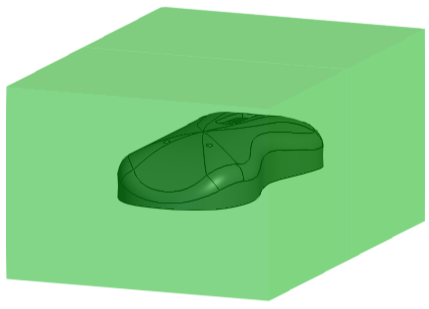
-
Click hide
 to hide the basic mold and display the plastic part
for categorization.
to hide the basic mold and display the plastic part
for categorization.